AI tool that convert text to podcast
AI tool that converts text to podcast
COMPANY
Voxaura
ROLE
Product Lead
YEAR
2024
Project description
For this project, i led a team of designers to craft a seamless experience for busy individuals by creating an app that converts text to podcast. Voxaura is an AI-powered app that transforms written content into engaging podcast (audio). The app helps you consume texts on the go. It is designed for busy individuals who love to learn but don’t always have time to sit and read, Voxaura brings text to life through natural sounding audio, making it easier than ever to stay informed and inspired.
Timeline
From explorations to final designs in 5 weeks
Problem Statement
In today’s fast paced world, many struggle to find time for reading lengthy documents. This is especially challenging for students, professionals, and individuals with visual impairments or reading difficulties. Existing text-to-speech tools lack customization and accessibility features, limiting their effectiveness for users on the go.
Challenges
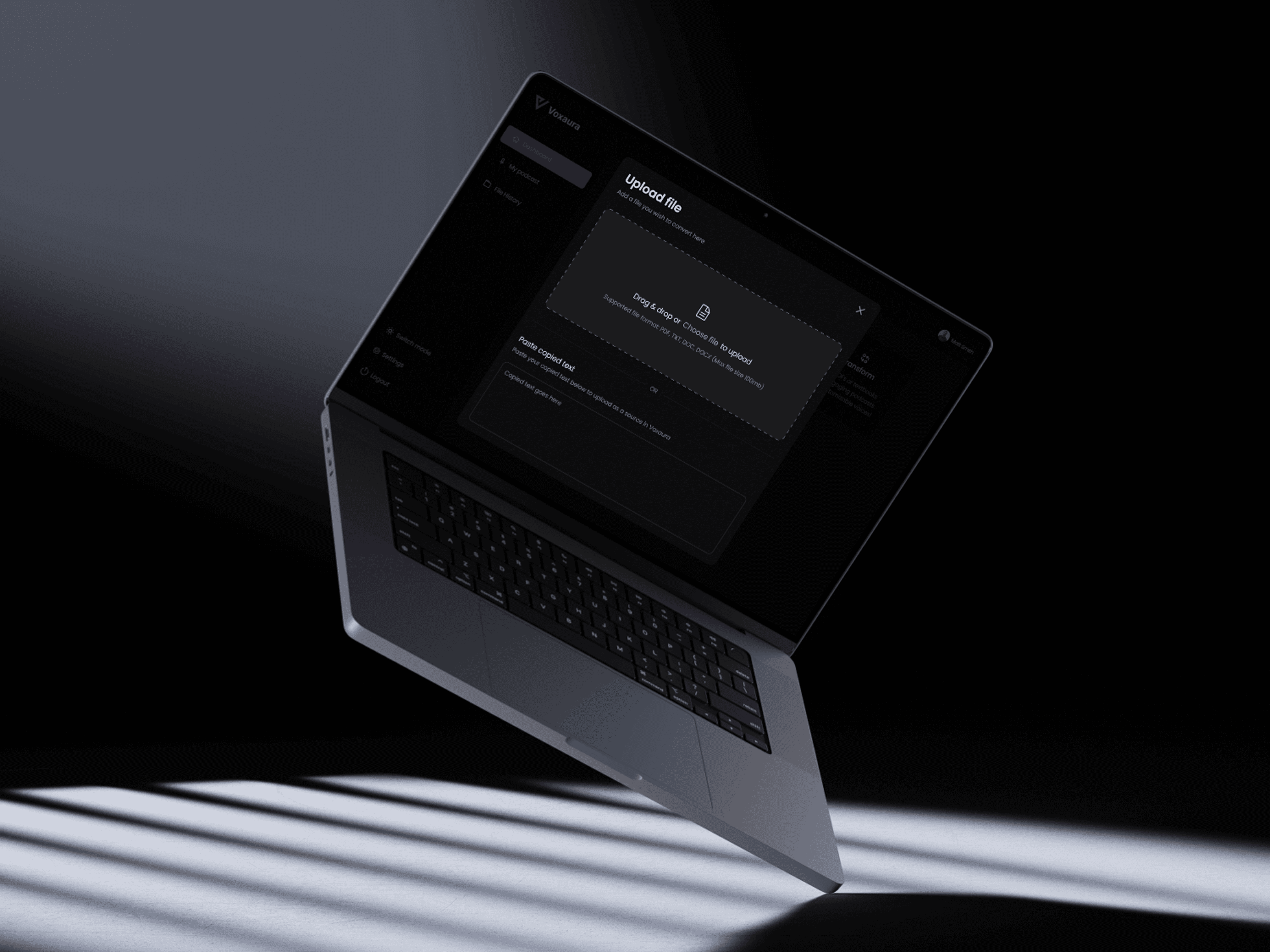
One of the biggest challenges was ensuring the AI-generated audio felt natural and engaging, more like a podcast than a robotic text-to-speech reader. I also needed to create a seamless experience for users to import or paste content and instantly get high quality audio. On the design side, it was important to keep the interface clean and intuitive, supporting both quick listens and longer, more focused sessions.
Process
This category details the step by step approach we took during the project.
Understanding the User
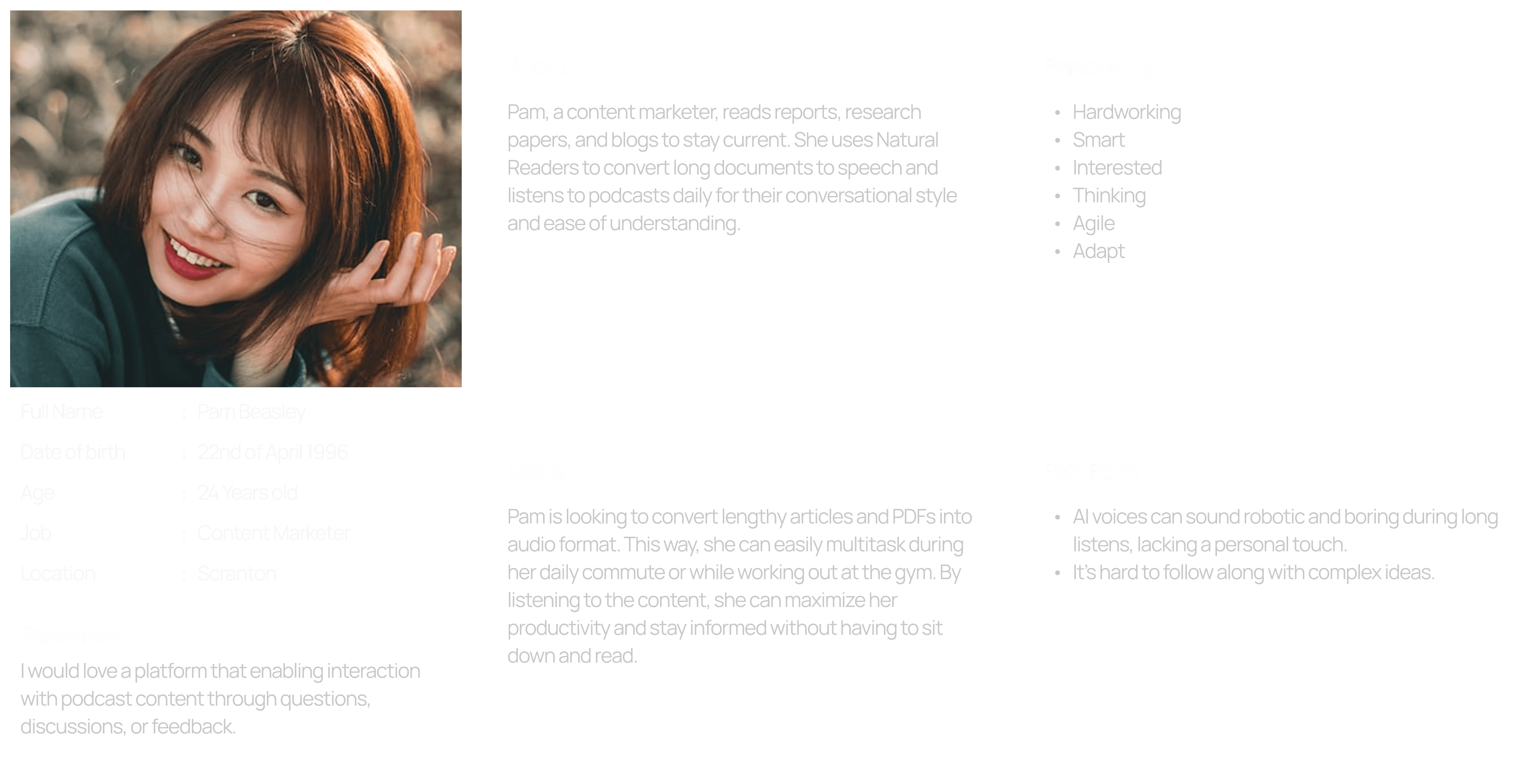
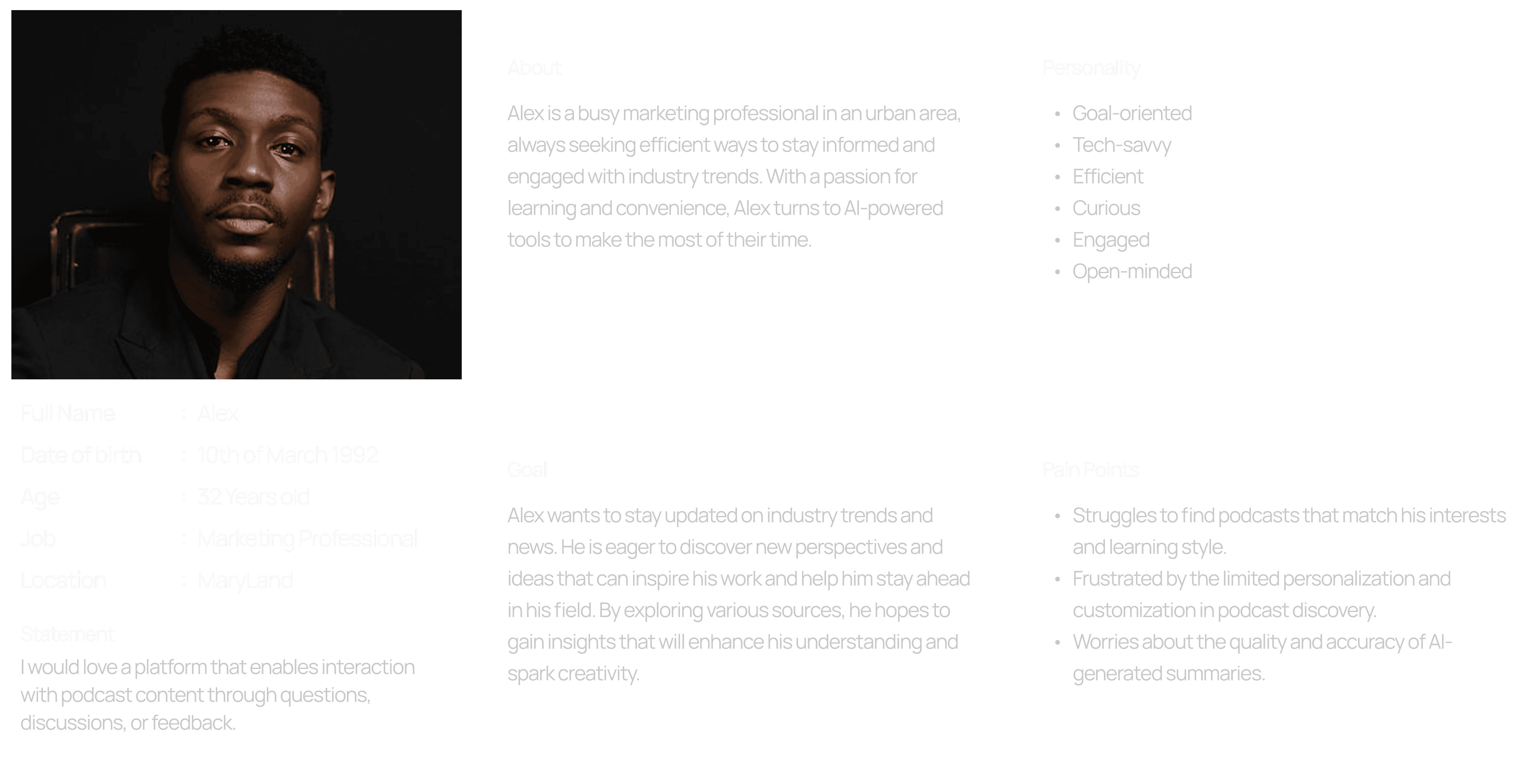
We started by exploring how people consume content daily. Through casual interviews and quick surveys, we learned that many users save articles or blog posts intending to read them later, but rarely do. They wanted a way to multitask and still stay informed, without feeling overwhelmed or guilty about unread content.
Defining the Flow
With the user in mind, we mapped out a simple journey, paste or import text → choose a voice → click to play. The goal was to remove friction at every step so users could go from “I want to listen to this” to “I’m listening” in seconds.
Wireframe
We created low-fidelity wireframes that helped shape the navigation, especially around voice selection, playback, and managing saved content.
Visual Design
The final UI had to feel calm, modern, and inviting like a cozy podcast app rather than a heavy tool.
Testing & Feedback
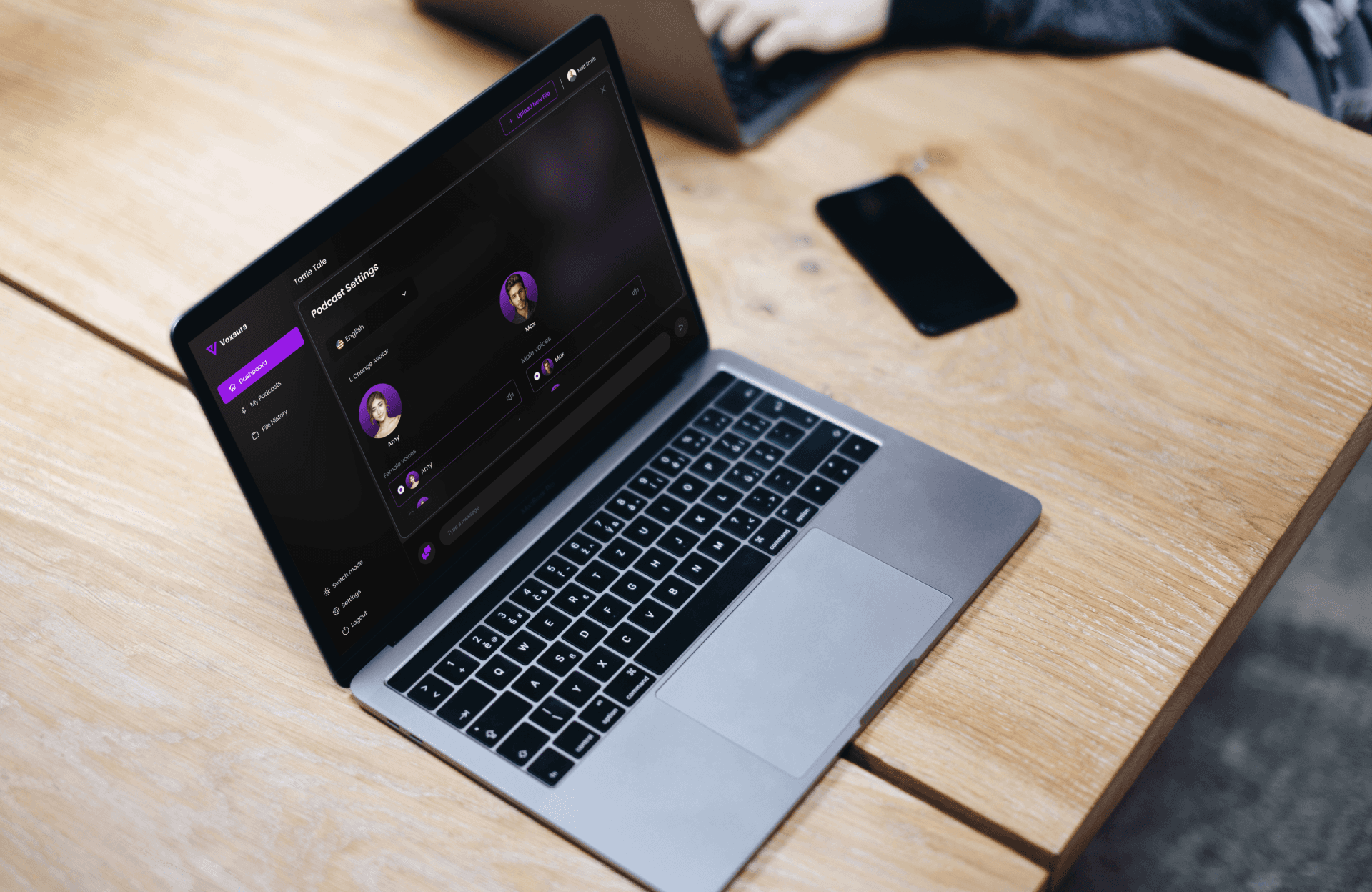
After prototyping flow, we shared it with users who fit the target group. Feedback helped refine the voice selection UI, improved playback controls, and clarified the experience. These iterations ensured that the app delivered on both function and feel.
Solution
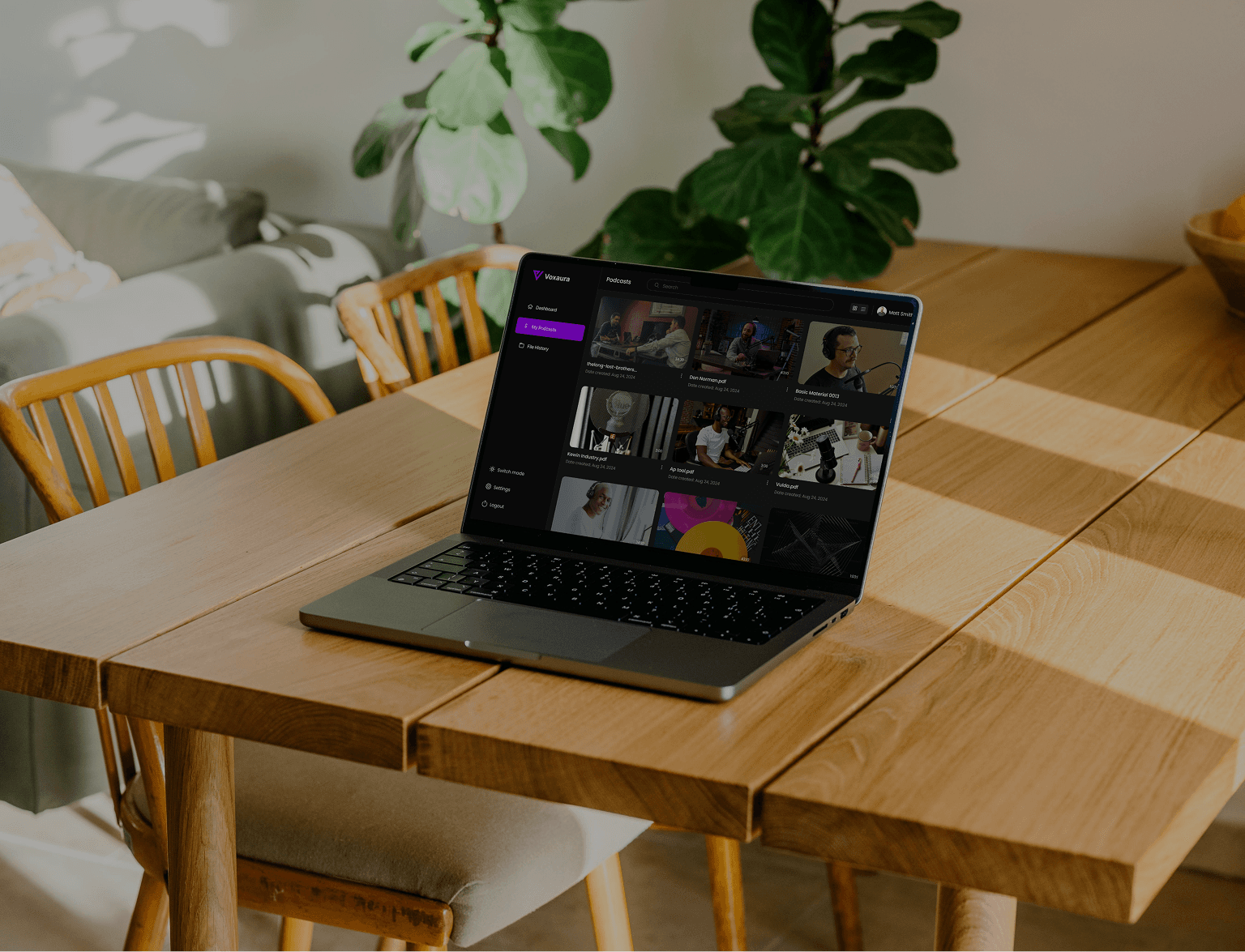
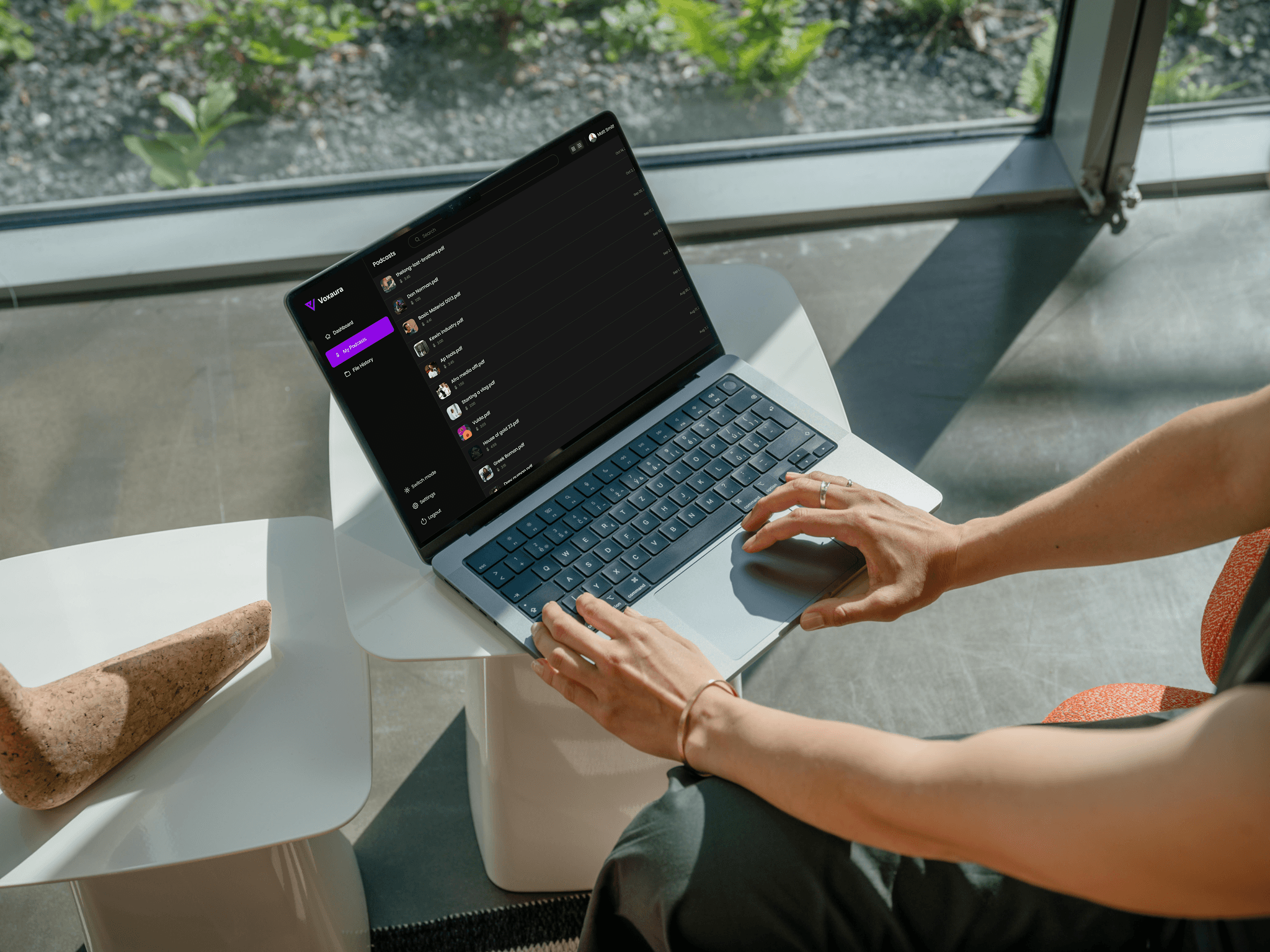
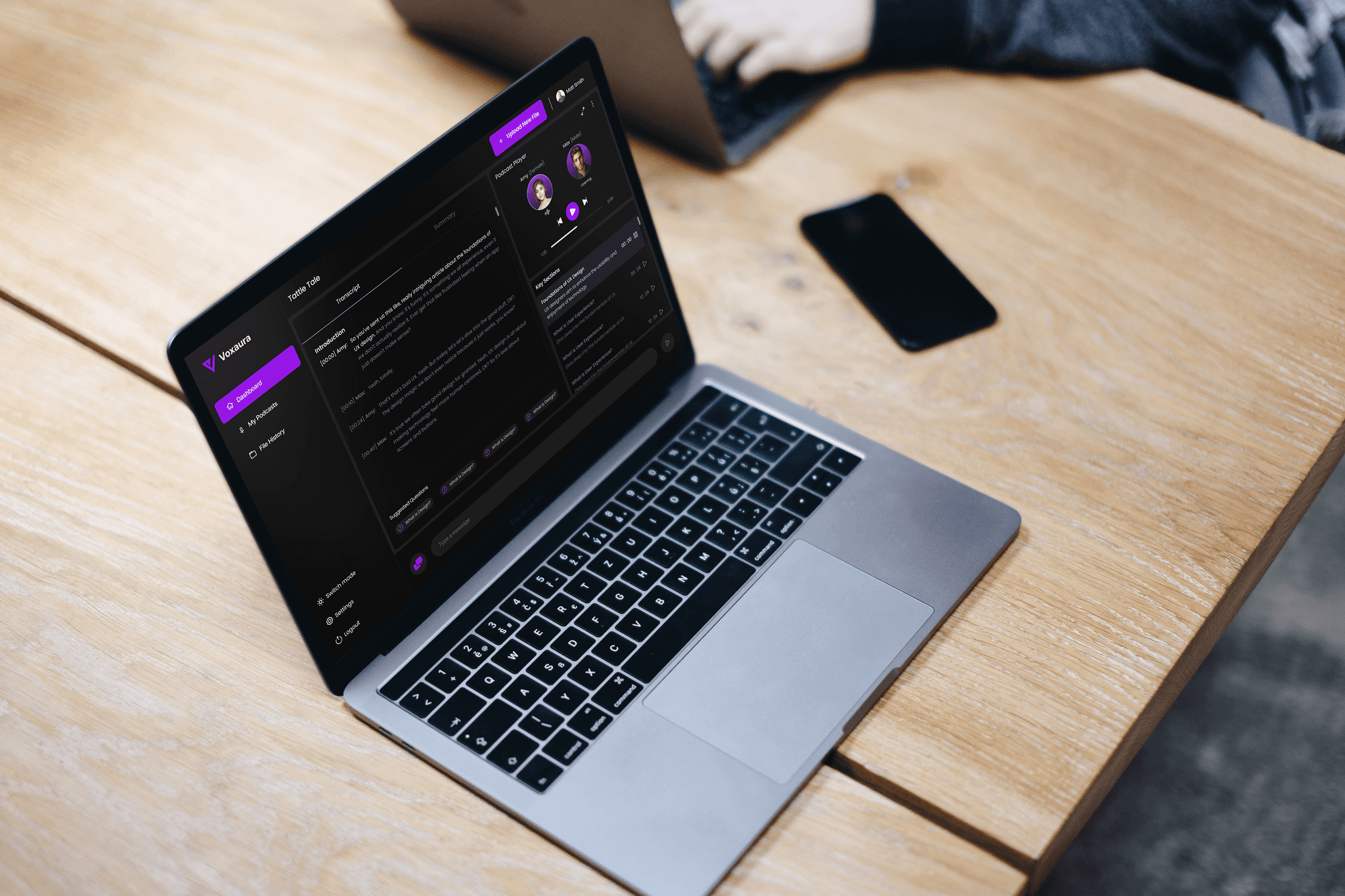
The app transforms how users consume written content by making it as easy as hitting play. The final product delivers a simple, intuitive experience where users can paste or import any text and instantly turn it into high quality audio with customizable voices, speed and tone. Multiple AI voice options allow for personalization, helping each piece feel more like a curated podcast episode. The interface is clean, distraction free, and designed for deep focus or casual background listening. With smart organization for saved content and seamless playback controls, Voxaura makes it effortless to stay informed, without staring at a screen.
Results
Voxaura delivered a smooth and engaging way for users to turn written content into audio, and early user feedback confirmed we were solving a real problem. Users reported feeling more productive and less overwhelmed by their reading lists, with many appreciating how natural the AI voices sounded. The simple interface and quick setup encouraged repeated use, and the app saw strong retention among busy users who preferred to listen while multitasking.
User Feedback
Through user feedback on prototypes, I was able to validate the core concept, people are genuinely interested in converting written content into audio, especially when the result feels more like a podcast than robotic narration. User appreciated the clean interface and smooth flow, noting how easy it was to get started and navigate the app.
Usability Improvements
Multiple rounds of testing helped refine key interactions like voice selection, playback controls, and saved content management.
